
Introduction
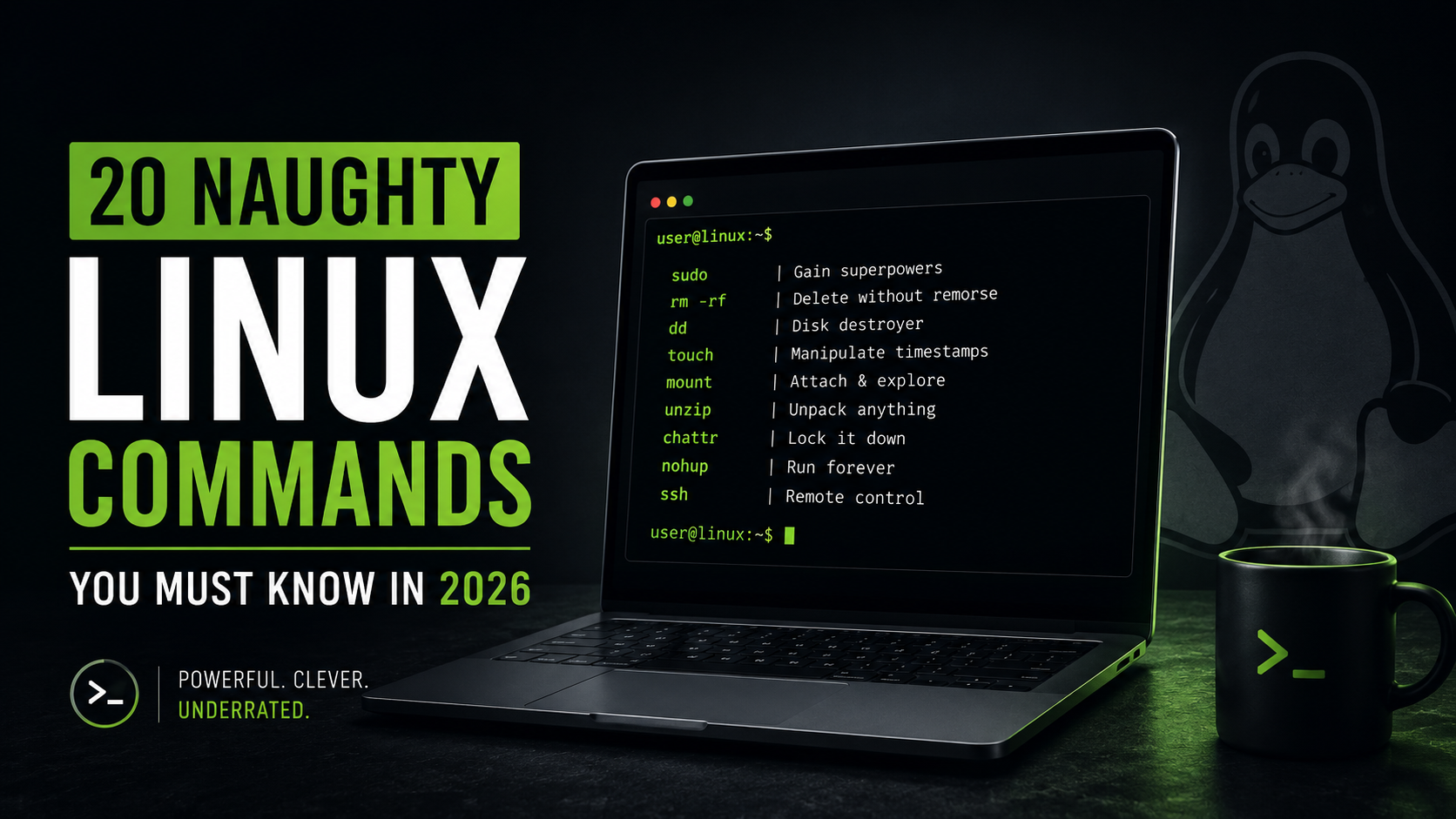
Linux Commands are the secret sauce that transforms Linux from a simple operating system into a powerhouse for developers, system administrators, ethical hackers, and power users. While most tutorials focus on the same basic commands, the real fun begins when you explore the lesser-known tools that can manipulate files, mount entire operating systems, disguise timestamps, recover hidden information, and make you feel like you’re unlocking cheat codes for your computer.
Let’s be honest.
Most Linux tutorials keep feeding you the same boring commands:
lspwdcd
Useful? Sure.
Exciting? Not even close.
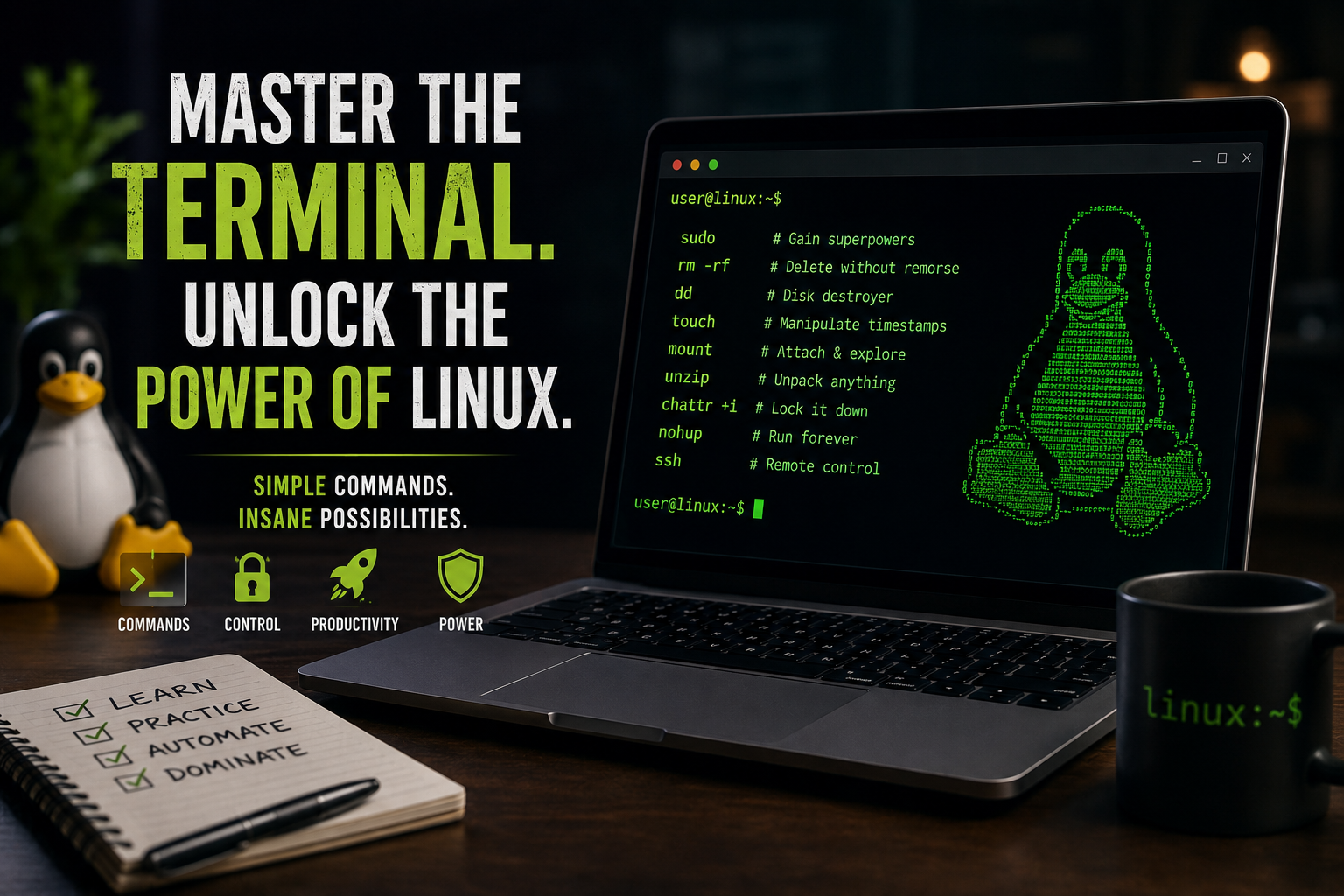
The commands featured in this guide aren’t necessarily dangerous. They’re simply powerful, clever, and often underappreciated. If you’re ready to level up your terminal game and discover some truly naughty tricks, here are 20 Naughty Linux Commands You Must Know in 2026.
Before diving deeper into this guide, make sure to check out our previous article, where we explored why skipping the fundamentals can silently destroy your growth in tech:
The Architect Path: Skip the Foundations, Pay the Price
It perfectly complements this article and will help you understand why mastering the basics is still the ultimate power move before experimenting with advanced Linux commands.
1. sudo
The command that turns ordinary users into digital royalty.
sudo apt update
One tiny word.
Unlimited responsibility.
When Linux says “Permission Denied,” sudo says:
Watch this.
2. rm
The famous destroyer.
rm file.txt
And its terrifying cousin:
rm -rf directory
No recycle bin.
No mercy.
No second chances.
3. dd
Often nicknamed:
Disk Destroyer
dd if=/dev/sda of=backup.img
Clone drives.
Create disk images.
Copy entire partitions.
Or accidentally wipe the wrong disk if you’re careless.
4. touch
Looks innocent.
It’s not.
touch girlfriend.txt
Creates files instantly.
Want to manipulate timestamps?
touch -t 202501010101 secret.txt
Suddenly your file appears to have existed months ago.
Digital time travel at its finest.
5. mount
One of the most underrated Linux commands.
mount /dev/sdb1 /mnt/usb
Attach storage devices directly into your filesystem.
Need to mount an ISO?
mount -o loop kali.iso /mnt/iso
No burning.
No USB.
Pure wizardry.
6. umount
The command nobody remembers until disaster strikes.
umount /mnt/usb
Always safely eject mounted devices before removing them.
Ignoring this command is how people learn about corrupted files.
7. unzip
Simple command.
Massive consequences.
unzip archive.zip
A single ZIP file can unpack hundreds or thousands of files in seconds.
Sometimes you’re opening a document.
Sometimes you’re opening chaos.
8. ln
The master of identity theft.
ln -s /etc/passwd passwd.txt
Create symbolic links that point to other files.
One file.
Multiple names.
Endless confusion for beginners.
9. chattr
The “leave my files alone” command.
chattr +i important.txt
The file becomes immutable.
Even administrators may forget why it refuses to change.
Remove protection with:
chattr -i important.txt
10. nohup
The command that refuses to die.
nohup python3 bot.py &
Close your terminal.
Log out.
Walk away.
The process keeps running.
Like a zombie that actually helps you.
11. screen
Terminal sessions that never give up.
screen
Disconnect from a server.
Reconnect later.
Everything is still running.
Perfect for long-running tasks.
12. tmux
Screen’s cooler cousin.
tmux
Multiple terminals.
Multiple panes.
Multiple workflows.
One terminal window.
13. shred
For files you really want gone.
shred -u secret.txt
Overwrites file contents before deleting them.
Much harder to recover than a normal deletion.
14. file
Never trust file extensions.
file suspicious.bin
That “photo.jpg” may actually be an executable.
This command reveals what a file really is.
15. strings
Peek inside binaries.
strings malware.bin
Extract readable text hidden inside executable files.
Useful for reverse engineering and curiosity.
16. curl
The internet ninja.
curl https://example.com
Download pages.
Call APIs.
Test web services.
Automate workflows.
Every Linux user should know it.
17. wget
The silent downloader.
wget https://example.com/file.zip
Downloads files directly from the terminal.
Reliable.
Fast.
Dangerously convenient.
18. find
Linux’s search superpower.
find / -name "*.log"
Search across entire filesystems with frightening precision.
When you can’t find a file, this command can.
19. nc (Netcat)
The Swiss Army knife of networking.
nc -lvnp 4444
Listen on ports.
Transfer files.
Test services.
Debug networks.
Many Linux veterans consider Netcat a mandatory skill.
20. ssh
The command that runs the internet.
ssh user@server
Control remote systems from anywhere in the world.
Most Linux servers spend their lives talking through SSH.
Master it, and you’ve unlocked a new level of Linux.
Why These Linux Commands Matter in 2026
Linux continues to dominate cloud infrastructure, cybersecurity, DevOps, AI platforms, embedded systems, and enterprise servers.
Learning basic commands is good.
Learning powerful Linux commands is where things become interesting.
The commands on this list can help you:
- Work faster
- Manage servers efficiently
- Troubleshoot complex systems
- Understand how Linux really works
- Look like a wizard in front of your friends
Final Thoughts
The terminal isn’t scary.
It’s addictive.
The more Linux commands you learn, the more you realise that Linux isn’t just an operating system. It’s a toolbox filled with hidden superpowers waiting to be discovered.
Start experimenting with these commands in a safe environment.
Break things.
Fix things.
Learn things.
That’s the Linux way.
What’s Your Favourite Naughty Linux Command?
Drop a comment below and tell us which Linux command deserves a spot on this list in 2026.
References
- GNU Core Utilities Documentation – https://www.gnu.org/software/coreutils/manual/
- Linux Manual Pages Project – https://man7.org/linux/man-pages/
- GNU Bash Reference Manual – https://www.gnu.org/software/bash/manual/
- OpenSSH Documentation – https://www.openssh.com/manual.html
- Netcat Manual Page – https://man7.org/linux/man-pages/man1/nc.1.html
- GNU Wget Manual – https://www.gnu.org/software/wget/manual/
- cURL Documentation – https://curl.se/docs/
- util-linux Documentation (mount, umount, etc.) – https://www.kernel.org/pub/linux/utils/util-linux/
- GNU tar Manual – https://www.gnu.org/software/tar/manual/
- GNU grep Manual – https://www.gnu.org/software/grep/manual/
- GNU findutils Documentation – https://www.gnu.org/software/findutils/manual/
- GNU Screen Documentation – https://www.gnu.org/software/screen/manual/
- tmux Documentation – https://github.com/tmux/tmux/wiki
- e2fsprogs Documentation (chattr) – https://e2fsprogs.sourceforge.net/
- Debian Administrator’s Handbook – https://debian-handbook.info/
- Arch Linux Wiki – https://wiki.archlinux.org/
- Linux Foundation Documentation – https://training.linuxfoundation.org/resources/
- Red Hat Enterprise Linux Documentation – https://access.redhat.com/documentation/
- Ubuntu Server Documentation – https://ubuntu.com/server/docs
- The Linux Documentation Project (TLDP) – https://tldp.org/



Leave a Reply