
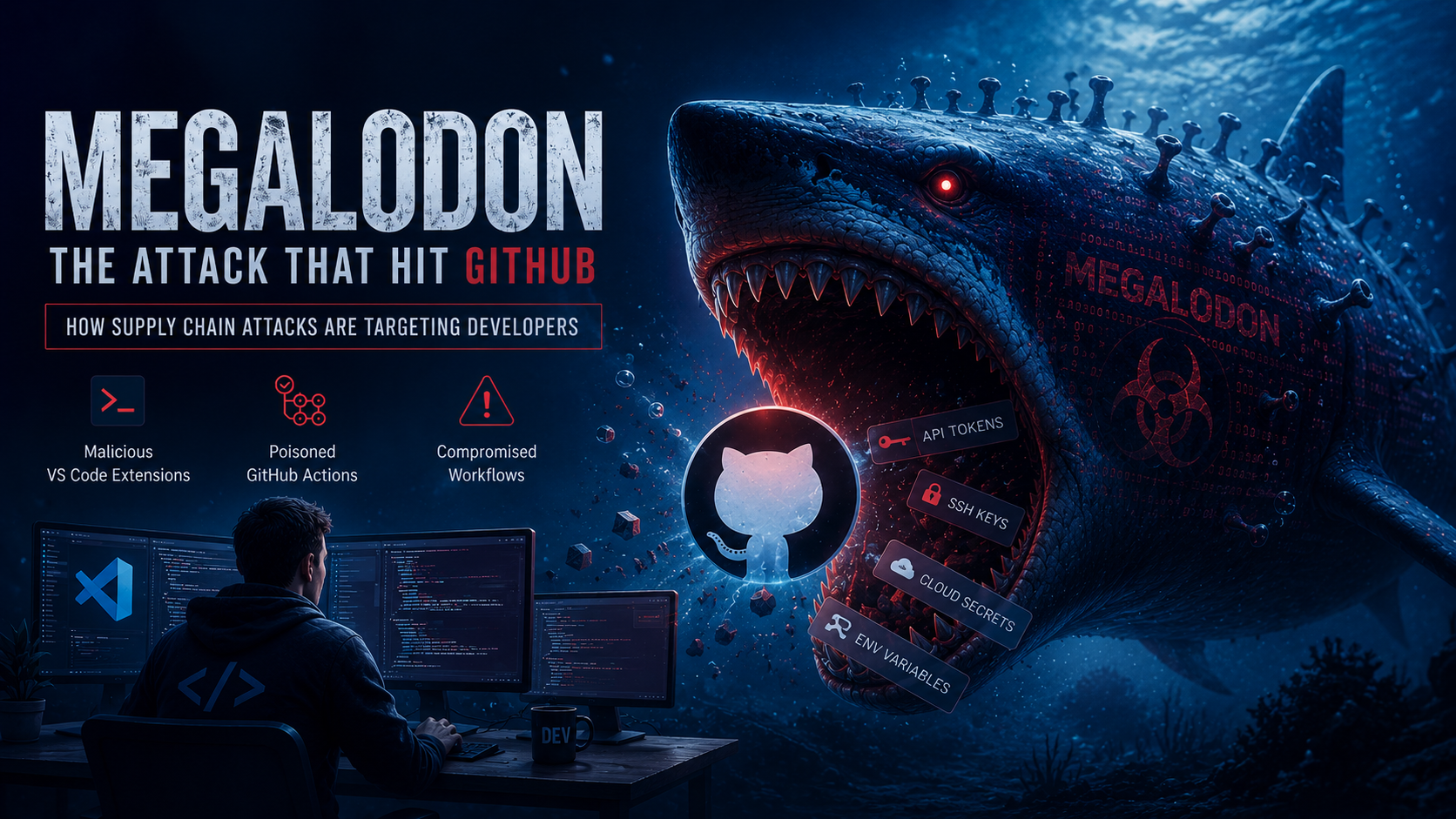
GitHub, the world’s largest code hosting platform, became the centre of two major cybersecurity incidents in May 2026. These attacks exposed a dangerous reality about modern software development:
Attackers are no longer targeting only servers or corporate infrastructure.
They are now targeting developers themselves.
From malicious VS Code extensions to poisoned GitHub Actions workflows, these incidents showed how a single compromised development environment can create a ripple effect across thousands of repositories and organisations.
In this article, we’ll break down:
- What actually happened,
- What type of attacks were these?
- whether this was a developer mistake or a larger security failure,
- how the Megalodon malware campaign worked,
- and what developers and organisations should do next.
What Actually Happened?
In May 2026, GitHub became linked to two separate but highly connected security incidents involving supply chain compromise and developer tooling attacks.
Attack 1: Malicious VS Code Extension
On May 19–20, 2026, GitHub confirmed that an internal employee’s device was compromised through a malicious Visual Studio Code extension.
According to reports, the attacker gained access to the developer’s machine and used that foothold to clone approximately 3,800 internal GitHub repositories.
The attack was later claimed by a threat group known as TeamPCP.
This was not a direct breach of GitHub’s core infrastructure.
Instead, the attacker compromised the developer environment.
That distinction matters.
Modern developer tools like VS Code extensions often have:
- filesystem access,
- terminal access,
- credential access,
- Git integration,
- cloud token visibility,
- and SSH key access.
Once compromised, the attacker effectively inherits the developer’s permissions.
Attack 2: The Megalodon Campaign
Around the same timeframe, security researchers uncovered another large-scale attack campaign named Megalodon.
Unlike the VS Code compromise, Megalodon targeted GitHub repositories directly through poisoned CI/CD workflows and malicious automated commits.
Researchers reported:
- over 5,500 repositories affected,
- thousands of malicious commits,
- and widespread credential harvesting through GitHub Actions.
The malware disguised itself as legitimate CI/CD maintenance updates using fake bot accounts such as:
build-botauto-cipipeline-bot
The commits looked normal.
That was the entire point.
Once merged into repositories, malicious GitHub Actions workflows executed automatically inside CI/CD pipelines and began stealing:
- API tokens,
- SSH keys,
- database credentials,
- cloud secrets,
- JWT tokens,
- and environment variables.
This transformed GitHub Actions into a malware execution platform.
What Type of Attack Was This?
These incidents fall under a broader category known as:
Supply Chain Attacks
A supply chain attack happens when attackers compromise the tools, dependencies, workflows, or software ecosystems that developers trust.
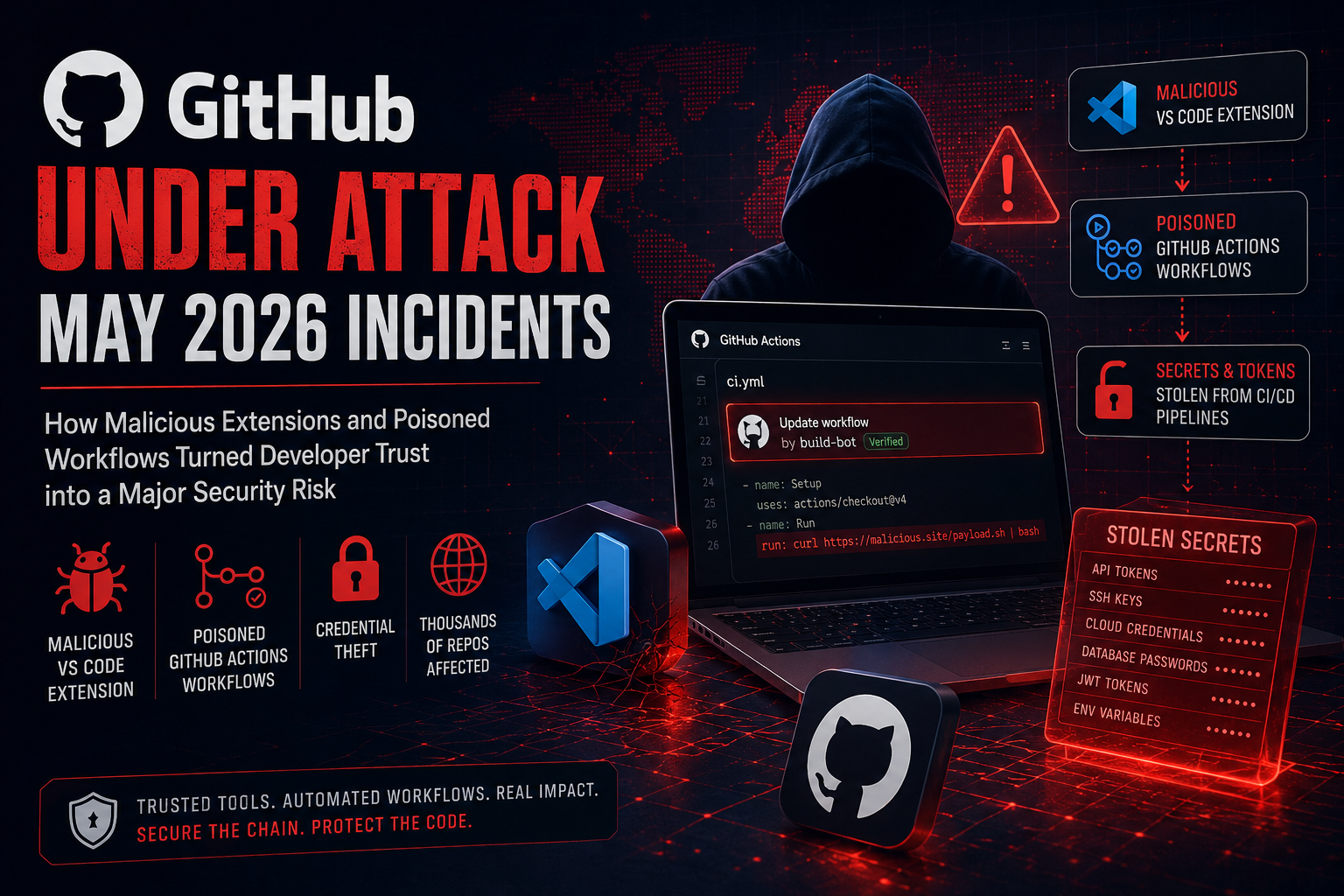
Instead of attacking targets directly, attackers compromise:
- developer tooling,
- package managers,
- CI/CD systems,
- repositories,
- extensions,
- or automation pipelines.
Then the malware spreads naturally through trusted workflows.
This is why supply chain attacks are so dangerous.
The trust relationship already exists.
The VS Code Incident
The VS Code compromise was essentially:
- a malicious developer tooling attack,
- mixed with endpoint compromise,
- and internal repository exfiltration.
The attacker targeted the human layer instead of the infrastructure layer.
No firewall can stop a developer from installing a malicious extension if the organisation has no visibility into what tools employees are using.
The Megalodon Incident
Megalodon was primarily:
- a CI/CD poisoning attack,
- GitHub Actions abuse
- and repository workflow hijacking campaign.
The attackers weaponised GitHub automation itself.
That’s what made the attack particularly effective.
The malicious workflows blended into normal development operations.
Was This a Developer Mistake?
Partially.
But blaming developers alone completely misses the real problem.
The Bigger Issue: Security Visibility
Most organizations:
- do not monitor developer machines,
- do not audit extensions,
- Do not review CI/CD workflow changes carefully,
- and do not control third-party tooling properly.
Developers are expected to move fast.
Attackers understand this.
A “helpful AI extension” or “automation improvement” can easily bypass suspicion because developers install tools constantly.
The root problem is not careless developers.
The root problem is:
- poor security governance,
- weak supply chain controls,
- and blind trust in automation.
How Megalodon Worked
The Megalodon campaign was highly automated and designed to spread quickly.
The attack chain looked like this:
1. Repository Reconnaissance
Attackers searched for repositories with weak review processes or vulnerable GitHub Actions configurations.
2. Malicious Commit Injection
The attackers inserted fake CI/CD maintenance commits that appeared legitimate.
The commit names and bot identities were intentionally designed to look routine.
3. Workflow Execution
Once merged, GitHub Actions workflows are executed automatically inside CI/CD runners.
The malware then harvested:
- environment variables,
- cloud tokens,
- GitHub credentials,
- private keys,
- database secrets,
- and API tokens.
4. Lateral Movement
With stolen credentials, attackers could:
- access cloud infrastructure,
- compromise additional repositories,
- trigger new workflow executions,
- and spread further across organisations.
This is classic supply-chain propagation.
One compromise becomes many.
Was GitHub Fully Hacked?
Not exactly.
According to GitHub’s official assessment, there was no evidence that GitHub customer repositories themselves were directly breached through GitHub infrastructure.
However, repositories hosted on GitHub were absolutely affected by malicious workflows and poisoned commits.
So while GitHub’s core systems remained intact, the ecosystem around GitHub was heavily targeted.
And that distinction is extremely important.
What Should You Do Next?
The GitHub incident is a reminder that modern attacks no longer target only servers or enterprise infrastructure.
Developers themselves are now the entry point.
A malicious VS Code extension, compromised npm package, or poisoned GitHub workflow can quietly steal credentials, modify CI/CD pipelines, and spread across entire organisations before anyone notices.
1. Stop Installing Random Extensions & Tools
Not every trending extension or AI plugin is safe.
Before installing anything:
- Verify the publisher,
- check community reputation,
- review the source code if possible,
- and avoid newly published extensions with little trust history.
Most supply chain attacks succeed because developers trust tools too quickly.
2. Audit GitHub Actions & Workflow Files
Carefully inspect:
.github/workflows/- CI scripts
- automation hooks
- Base64 encoded commands
- unexpected external downloads
If you find:
- encoded payloads,
- suspicious PowerShell/Bash execution,
- unknown GitHub Actions,
- or unexpected outbound network calls,
treat them as immediate red flags.
3. Rotate Credentials Immediately
If compromise is suspected:
- Revoke GitHub tokens,
- rotate SSH keys,
- replace cloud credentials,
- regenerate API keys,
- and rotate CI/CD secrets.
Attackers rarely stop at one system.
Once CI/CD is compromised, infrastructure compromise often follows.
4. Use Proper Secrets Management
Never store secrets directly inside:
- repositories,
.envfiles,- shell history,
- or local config files.
Use dedicated secret managers like:
- HashiCorp Vault
- Amazon Web Services Secrets Manager
- Microsoft Azure Key Vault
Centralised secrets reduce damage during breaches.
5. Monitor Developer Machines
Most organisations monitor servers but completely ignore developer endpoints.
That is a massive mistake.
Use:
- Endpoint Detection & Response (EDR),
- dependency scanners,
- GitHub audit logs,
- CI/CD monitoring,
- and secret scanning systems.
Developer laptops are now part of the production attack surface.
6. Build a Security-First Development Culture
Security tools alone are not enough.
Teams need:
- mandatory code review,
- dependency auditing,
- security training,
- incident response planning,
- and clear third-party tooling policies.
A single malicious extension can become a backdoor into an entire organisation.
The Bigger Picture
These attacks reveal a major shift in cyber warfare.
Attackers no longer need:
- expensive zero-days,
- kernel exploits,
- or advanced infrastructure attacks.
Instead, they compromise:
- automation,
- trust,
- dependencies,
- and developer behaviour.
That is far cheaper.
And often far more effective.
The modern software ecosystem is deeply interconnected.
Compromise one tool, and you potentially compromise thousands of downstream systems.
Conclusion: Stay Vigilant
The GitHub incidents of May 2026 demonstrate something the cybersecurity industry has been warning about for years:
The software supply chain is now one of the most valuable attack surfaces on the internet.
This was not simply “GitHub getting hacked.”
It was:
- developer trust being exploited,
- automation being weaponised,
- and CI/CD infrastructure being abused at scale.
The solution is not paranoia.
The solution is disciplined security practices:
- stronger workflow review,
- secure developer environments,
- secrets management,
- monitoring,
- and treating developer tooling as critical infrastructure.
Because in modern cybersecurity, developers are no longer just builders.
They are now prime targets.
References
- GitHub Security Blog
Official GitHub security advisories, incident disclosures, and platform security updates. - GitHub Actions Documentation
Official documentation explaining GitHub Actions workflows, CI/CD automation, and security controls. - GitHub Security Best Practices for Actions
GitHub’s official guidance on securing workflows and preventing workflow abuse. - Microsoft VS Code Marketplace Security Overview
Documentation about VS Code extensions, permissions, and extension ecosystem behaviour. - OWASP Software Supply Chain Security Guide
OWASP guidance covering software supply chain threats and mitigation strategies. - CISA Secure Software Development Guidance
U.S. Cybersecurity & Infrastructure Security Agency recommendations for secure software practices. - NIST Secure Software Development Framework (SSDF)
Official NIST framework for secure software development lifecycle and supply chain protection. - SafeDep Security Research
Supply chain security research and analysis related to dependency and CI/CD attacks. - OX Security Research Blog
Security research covering CI/CD attacks, GitHub Actions abuse, and repository poisoning. - MITRE ATT&CK Framework
Industry-standard knowledge base for adversary tactics, techniques, and procedures. - Snyk Supply Chain Security Resources
Educational material on software supply chain attacks and dependency risks. - GitGuardian State of Secrets Sprawl Report
Research on exposed secrets, credential leakage, and repository security risks. - HashiCorp Vault Documentation
Official documentation for centralised secrets management and credential protection. - CISA Guidance on Supply Chain Attacks
Government guidance on detecting and mitigating supply chain compromise. - OpenSSF (Open Source Security Foundation)
Industry initiative focused on improving the security of open-source software ecosystems.









Leave a Reply